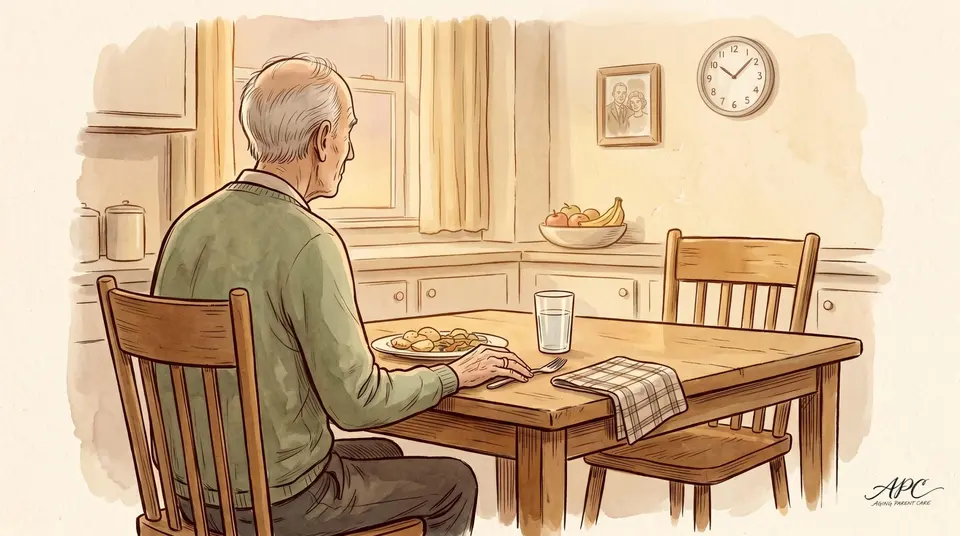

How to Keep a Far-Away Parent From Slipping Into Loneliness

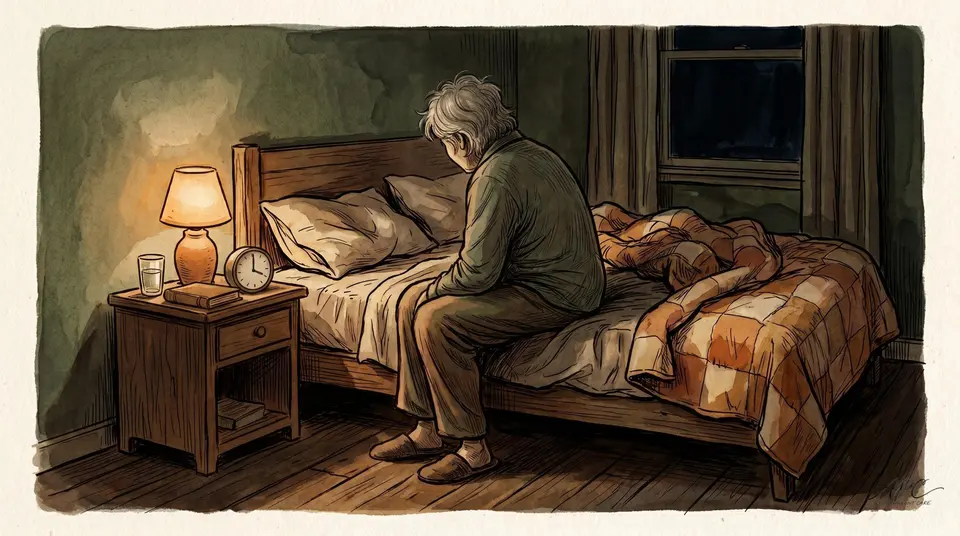
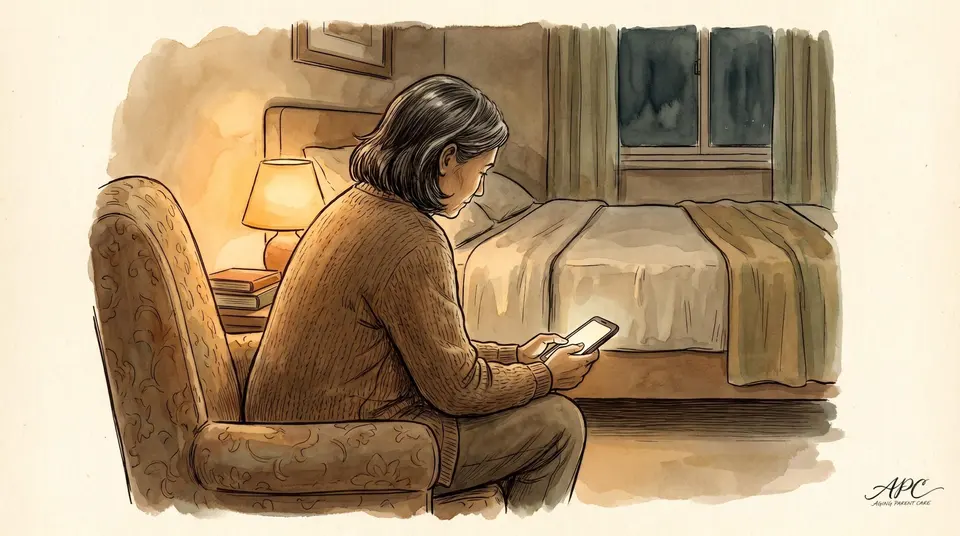
Lena lived four states away from her mother, and the math of it kept her up at night. Ruth was 81, widowed two years, and on most days the only voice she heard was the pharmacy's hold recording. Lena called every evening, but a ten-minute call does not fill the eleven hours between breakfast and dark. She kept thinking she needed to move her mother, or move herself. What actually changed things was a tablet on a stand and a standing Sunday call.
Loneliness is not just sad, it is dangerous
For an older adult living alone, isolation is a medical risk and not only an emotional one. Loneliness and social isolation raise the risk of depression and anxiety, heart disease and stroke, dementia, and earlier death. 1 That is why a far-away parent's empty days are worth taking seriously, and why closing that gap is one of the highest-value things an adult child can do from a distance.
Why video beats a phone call
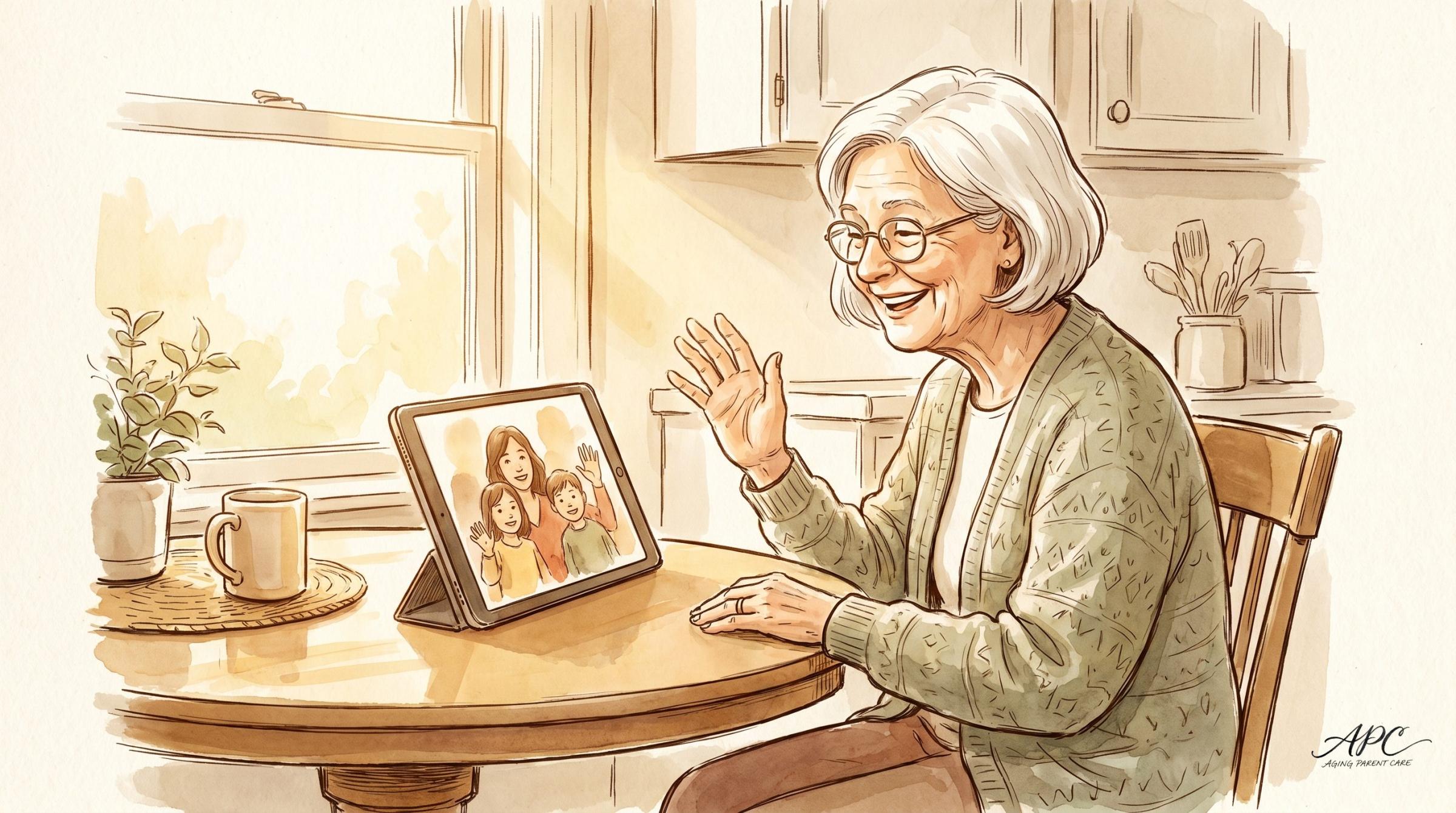
A voice call keeps you in touch. A video call puts you in the room. Seeing a face, catching an expression, watching the grandkids hold up a drawing, all of it lands differently than a voice through a speaker. For a parent whose world has narrowed, twenty minutes of seeing the people they love does more than the same twenty minutes only heard. The screen turns checking in into being together.
How to keep a far-away parent connected
- Pick one simple device and leave it set up: a tablet on a stand, always charged, one obvious button.
- Make it a standing date, the same time every week, so it anchors the day.
- Get the grandkids on. A child waving a school project pulls a parent onto video fast.
- Own the tech yourself and use it for more than hello: cook together, watch a game, just potter.
The free Aging Parent Care Starter Kit walks you through the first steps in plain language, at your own pace. Get it sent straight to your inbox.
Send me the free Starter KitSet it up so it actually sticks
These setups fail for one reason: friction. If your parent has to find a password, tap through three menus, or worry about doing it wrong, they will not. So engineer the friction out:
- Pick one simple device and leave it set up. A tablet that lives on a stand on the kitchen table, always charged, always on. Big icons, one obvious button. Many can auto-answer a video call from approved family, so your parent does not even have to tap.
- Make it a standing date, not a someday. The same time every week, Sunday after lunch, or every evening at seven, so it becomes an anchor in the day your parent looks forward to and can count on.
- Get the grandkids on. A child waving a school project or showing the cat will pull a parent onto video faster than any reminder from you.
- Keep it dead simple, and own the tech yourself. You set it up, you fix it remotely, and you never let your parent feel the gadget is a test they might fail.
- Use it for more than hello. Cook the same recipe together over video, watch a grandchild's game, open the mail together, or just leave the call running while you both potter. Presence, not performance.
What about the AI companions?
You will see them in the news, and they are genuinely promising. AI companion devices that chat, remind, and check in have shown striking results: in one state rollout, older adults using the ElliQ companion reported a 95 percent reduction in loneliness. 2 For the long, empty stretches between human contact, that is worth knowing about.
But hold the line on the one rule that matters. Technology supplements human connection, it never replaces it. A device can fill a quiet hour. It cannot be your face, your news, or your kids growing up. The risk is not that the robot is bad, it is that a busy family treats it as permission to come around less. Use the tech to add presence, never to subtract yourself.
The version that works
Lena did not move her mother. She set up a tablet on a stand, taught Ruth the one button, and put a standing call on the calendar every Sunday and every Wednesday, grandkids included. Ruth started keeping a little list of things to tell them during the week. The empty hours did not vanish, but the week now had a shape, and faces in it. Lena still calls on the off days, and she visits when she can. The tablet did not replace any of that. It just meant her mother could see she was still in the family, from four states away.
Technology supplements human connection, it never replaces it. Use the tech to add presence, never to subtract yourself.
Frequently Asked Questions
Why do video calls help a lonely parent?
Isolation is a medical risk, not only an emotional one: it raises the risk of depression, heart disease, dementia, and earlier death. Seeing faces, not just hearing a voice, is one of the highest-value things a far-away child can give, and it puts you in the room rather than on the line.
What device is easiest for an older parent?
One simple tablet that lives on a stand, always charged, with big icons and one obvious button. Many can auto-answer a video call from approved family, so your parent does not even have to tap. The key is to remove every bit of friction.
Are AI companion robots a good idea?
They are promising for the empty hours, with one state rollout reporting a large drop in loneliness, but hold the line on the rule that matters: technology supplements human connection, it never replaces it. Use it to add presence, never as permission to come around less.
Technology supplements human connection, it never replaces it; use the tablet to add presence, never to subtract yourself. Start with the free Aging Parent Care Starter Kit, sent straight to your inbox.
Was this article useful?
Got feedback?
Let us know what was useful, unclear, or missing.
Related from Aging Parent Care
Sources
- Centers for Disease Control and Prevention, Social Isolation and Loneliness: links to depression and anxiety, heart disease and stroke, dementia, and earlier death.
- New York State Office for the Aging, ElliQ AI companion rollout: 95 percent reduction in loneliness among participating older adults.
This content is for educational and informational purposes only. It is not a substitute for professional medical, legal, or financial advice. Always consult qualified professionals for guidance specific to your situation. Statistics and details cited were accurate at the time of publication and may have changed.
© 2026 Aging Parent Care. All rights reserved. No portion of this article may be reproduced, distributed, or used in any form without the explicit written permission of Aging Parent Care.
More on the emotional side of caregiving
- Who Gets the Dog? How to Plan for Your Parent's Pet Before a Crisis
- Caregiver Rage Is Normal. Here's How to Handle It Without Guilt.
- Why You're Grieving a Parent Who's Still Alive (and How to Carry It)
- How to Get Power of Attorney for an Elderly Parent, Step by Step
- What Does Caregiver Burnout Feel Like? 7 Symptoms Families Mistake for Stress
The Complete Aging Parent Caregiving Guide covers the full caregiving arc in 30 chapters, and the Guide and Workbook together add the fillable templates families use to put it into practice.
Make Your Business Online By The Best No—Code & No—Plugin Solution In The Market.
30 Day Money-Back Guarantee
Say goodbye to your low online sales rate!