


Medicare Covers Telehealth for Aging Parents. Most Families Use It Wrong.

A doctor's appointment for your parent no longer has to mean a four-hour drive and a day off work. Medicare covers a lot of telehealth for seniors now: mental and behavioral health visits from home for good, and most other kinds of video visits through at least the end of 2027. That is one of the more concrete wins in elder care access in years. The catch is that most families run those video visits with a propped-up tablet and no prep, the call ends fifteen minutes over with no clear next step, and the problem the camera should have caught gets missed. Here is the setup, the prep, and the override rules that turn a telehealth visit into a real appointment.
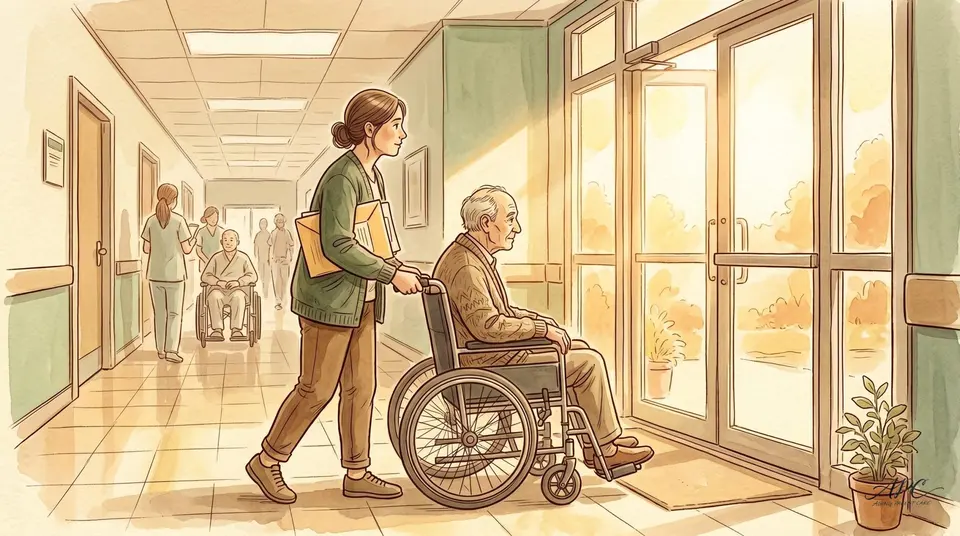
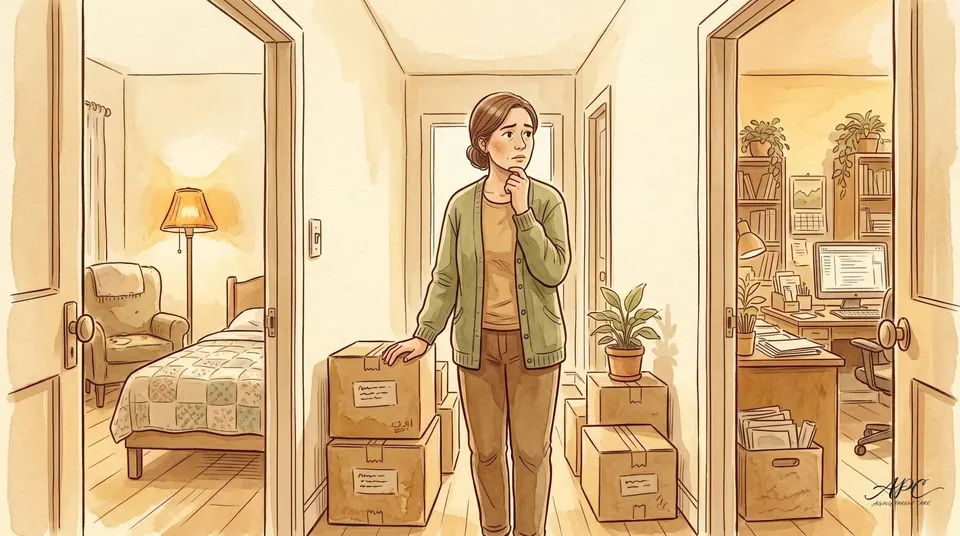
Richard Campos kept missing the second half of his father's appointments. Hector, 78, was managing his health in Tucson while Richard was in Phoenix, four hours away by car. When the cardiologist started offering telehealth visits, it looked like the answer. The first call went badly. Hector couldn't hear the doctor clearly. The tablet was propped at the wrong angle. The doctor asked about medications and Hector had to get up and go find the bottles. The appointment ran fifteen minutes over and ended with no clear next step.
Richard booked a flight for the next one. He didn't have a telehealth problem; he had a setup problem, and it is the same one most families hit. Medicare covers telehealth for beneficiaries, so seniors can see doctors from home. Mental and behavioral health visits from home are covered permanently, with no rural or geographic limits; the broader telehealth that lets your parent see a primary care doctor or specialist from anywhere is covered through December 31, 2027 under the current rules.12 The benefit is real and it works. What gets in the way is everything that happens before the call connects. Let me walk you through which visits this is right for, how to set the room up, how to prep, and when to override the video default and insist on an in-person exam.
What turns a telehealth call into a real appointment
- Use it for the right visits. Talk-and-review visits work on video; anything needing a physical exam does not.
- Fix the room first. Stable device, light on the face, audio your parent can actually hear.
- Prep like it counts. Meds gathered, changes noted, questions ranked.
- Be a second set of ears. Join on a second device or sit in the room.
- Leave with a next step. No call should end without one stated out loud.
What is telehealth actually good for?
Not every appointment needs to happen in a waiting room. Plenty of them are about talking, reviewing numbers, and updating the plan, and for those, a video visit does the job just as well as a drive across town.
These are the visits that translate well to video:
- Medication check-ins and adjustments
- Lab result reviews
- Blood pressure monitoring
- Follow-up visits after a hospital stay
- Mental health appointments
- Management of stable chronic conditions like hypertension, diabetes, and COPD
What telehealth does not replace is any visit where the doctor needs to physically examine your parent. Heart sounds, lymph nodes, skin wounds, how someone walks, where a pain is coming from, the first look at a brand-new symptom: those need a hands-on exam. The mistake is never using telehealth. It is using it for a visit that needed a room and a stethoscope.
When you are not sure which kind of visit is coming up, ask the scheduling team straight out: is this something the doctor can actually assess on video, or does it need a physical exam? Most practices will tell you honestly.
Why is the setup the part most families get wrong?
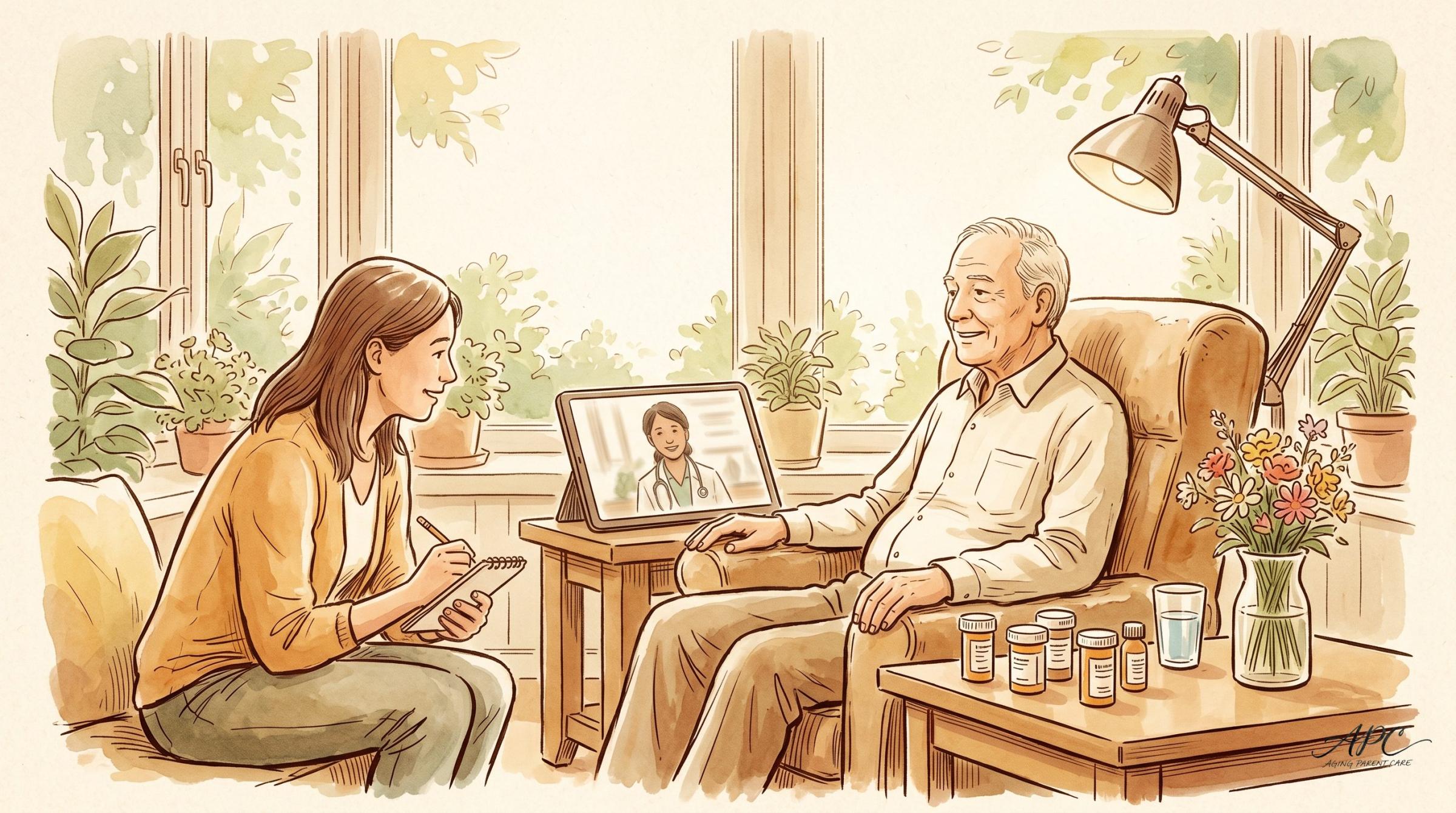
A tablet balanced on a couch cushion is not a medical appointment. The physician on the other end is trying to read your parent visually, and what shows up on their screen changes what they can do. A few practical things fix most of it:
- A stable device. A fixed tablet stand or a laptop, not a phone held in a shaky hand.
- Light on the face, not behind it. Sit your parent near a window with the light in front of them, so they aren't a silhouette.
- Audio both sides can hear. Clear enough that nobody is repeating themselves the whole call.
Hearing loss is the barrier families underestimate. If your parent wears hearing aids, make sure they are in and adjusted before the call starts. If they have trouble following conversations and don't use aids, telehealth will be harder than an in-person visit, so deal with the hearing piece first. Doctors who study telehealth in older adults keep landing on the same barriers: hearing and vision trouble, and the plain fact that the doctor cannot lay a hand on the patient.3 Everything else follows from being able to hear.
The screen itself matters too. A tablet set up ahead of time, with the video link bookmarked, the font enlarged, and the random notifications cleared, beats a device your parent is fumbling with while the doctor waits.
The free Aging Parent Care Starter Kit walks you through the first steps in plain language, at your own pace. Get it sent straight to your inbox.
Send me the free Starter KitHow do you prepare like the visit matters?
The biggest trap is treating a video visit as informal. The same prep that makes an in-office appointment count applies here. Work through these four steps before the call:
- Compile the medication list. Gather every current medication, including supplements and over-the-counter products, so they are ready to show or read aloud.
- Note what's changed. Write down any symptoms, behavior changes, or new concerns since the last visit, and keep recent test results, blood pressure logs, or glucose readings within reach.
- Rank the questions. List them in priority order, because telehealth appointments sometimes run short and you want the important ones answered first.
- Be present if you can. Join on a second device with the camera off, or sit in the room. You will catch things your parent won't mention, you will remember the follow-up instructions, and you are positioned to flag anything that needs an in-person look.
The follow-up plan is the piece families lose most often. Every telehealth visit should end with a stated next step: a return call in four weeks, labs before the next appointment, a referral. If the call is wrapping up without one, ask before anyone hangs up.4
The highest-leverage move in any telehealth visit is being there for it. That second set of ears is where the missed follow-ups get caught.
When should you override the telehealth default?
Convenience is the whole point of telehealth, right up until it costs you something a doctor in the room would have caught. Push for an in-person visit if your parent has any of these:
- A new symptom that is hard to describe precisely
- Unexplained weight loss
- A fall in the past month
- A medication change with side effects
- Chest or abdominal pain
These need a physical exam.3 The convenience of a video call is not worth missing something a stethoscope or a hand on the abdomen would have found.
What the fixed version looked like
Richard rebuilt his father's setup from the ground up. He messages Hector's medication list through the patient portal two days before each call. He joins on a second device, audio only, so the cardiologist sees just Hector while Richard hears every word. He writes down the follow-up plan as the doctor says it out loud.
Hector's cardiologist later described the new arrangement as one of the better-organized telehealth setups she had worked with. Same benefit, same doctor, same patient. The only thing that changed was the half hour of preparation around the call.
Frequently Asked Questions
Does Medicare still cover telehealth in 2026?
Yes. Two pieces work differently. Mental and behavioral health telehealth from your parent's home is covered permanently, with no geographic restriction. The broader telehealth that lets them see a primary care doctor or specialist from home or anywhere in the country is covered through December 31, 2027 under the current rules, and Congress has extended it before.1 Coverage details can change, so confirm the specifics for your parent's plan at medicare.gov.
Can I join my parent's telehealth visit if I live somewhere else?
Yes, and it is one of the most useful things a long-distance caregiver can do. Join on a second device with your camera off, or have your parent put you on. You will hear the follow-up instructions, notice things they won't mention, and be able to flag anything that needs an in-person look.
Which appointments should not be done by video?
Any visit that needs a physical exam: a new and hard-to-describe symptom, unexplained weight loss, a recent fall, a medication change with side effects, or chest or abdominal pain. If you are unsure, ask the scheduling team whether the doctor can assess it on video or whether it needs a hands-on exam.
Telehealth works when it is run like a real appointment: the right setup, prepped meds and questions, a second set of ears on the call, and a clear next step before anyone hangs up. Be present for the call, even audio-only on a second device, and use the free Aging Parent Care Starter Kit for a printable visit-prep checklist and medication tracker to keep by the tablet.
Was this article useful?
Got feedback?
Let us know what was useful, unclear, or missing.
Related from Aging Parent Care
- The Algorithm Deciding Whether Your Mother Gets Treatment
- What the New Dementia Drugs Actually Do
- The Dementia Signs That Don't Look Like Dementia
Sources
- Centers for Medicare and Medicaid Services. "Telehealth (Insurance Coverage)." Medicare.gov. medicare.gov/coverage/telehealth
- U.S. Health Resources and Services Administration. "Telehealth Policy Updates." Telehealth.HHS.gov. telehealth.hhs.gov/providers/telehealth-policy/telehealth-policy-updates
- Doraiswamy S, Jithesh A, Mamtani R, Abraham A, Cheema S. "Telehealth Use in Geriatrics Care during the COVID-19 Pandemic: A Scoping Review and Evidence Synthesis." International Journal of Environmental Research and Public Health, 2021. pmc.ncbi.nlm.nih.gov/articles/PMC7918552
- All Seniors Foundation. "How Seniors and Caregivers Can Navigate Telehealth with Primary Care Physicians." allseniors.org/articles/how-seniors-and-caregivers-can-navigate-telehealth-with-primary-care-physicians
This content is for educational and informational purposes only. It is not a substitute for professional medical, legal, or financial advice. Always consult qualified healthcare providers, attorneys, or financial advisors for guidance specific to your situation. Statistics and policy details cited were accurate at the time of publication and may have changed.
© 2026 Aging Parent Care. All rights reserved. No portion of this article may be reproduced, distributed, or used in any form without the explicit written permission of Aging Parent Care.
Related medical guides
- Your Parent's World Is Shrinking. Before You Blame Age, Check Their Eyes.
- Why Your Aging Parent Can't Sleep, and How to Help Them Rest Again
- How to Catch Malnutrition Before It Lands Your Parent in the Hospital
- How to Get Power of Attorney for an Elderly Parent, Step by Step
- What Does Caregiver Burnout Feel Like? 7 Symptoms Families Mistake for Stress
The Complete Aging Parent Caregiving Guide covers the full caregiving arc in 30 chapters, and the Guide and Workbook together add the fillable templates families use to put it into practice.
Make Your Business Online By The Best No—Code & No—Plugin Solution In The Market.
30 Day Money-Back Guarantee
Say goodbye to your low online sales rate!